 QuickMem
Describe the deck.
Get the cards.
Tell the Helper what you want in your own words and it writes the cards — you check every one before it saves. Then study only what is actually due today.
Ten AI-written cards free · Everything else free · No account needed to start
The Helper writes your cards
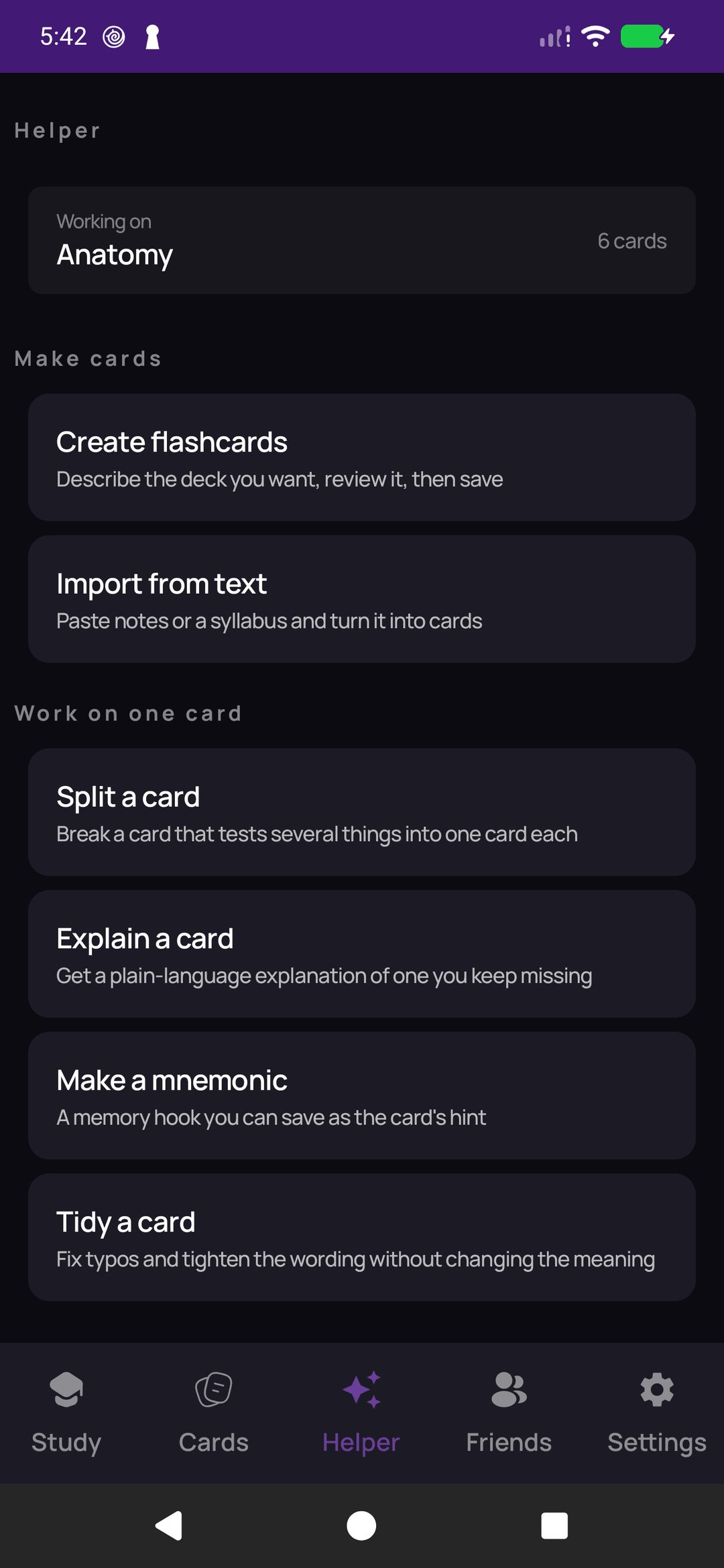
Say what you want — "20 cards on Spanish animals" — and read back what it wrote. Nothing lands in your deck without you seeing it first.
- Create flashcards from a description of the deck you want.
- Import from text — paste your notes, or pick a PDF, .txt or .docx.
- Ask for changes to the cards you just made, before you save them.
- Explain a card you keep missing, in plain language.
- Split a card that is quietly testing three things at once.
- Make a mnemonic and save it as the card's hint.
- Tidy a card — fix typos and tighten wording without changing the meaning.
- Find duplicates across your decks — on your device, nothing sent anywhere.
- Study plan — what is due, and how to spend ten minutes on it. Also on your device.
The seven AI skills need a connection and, after your first ten AI-written cards, QuickMem Plus at $4.99 per month. The last two run on your phone and are free.
Five ways to study a card
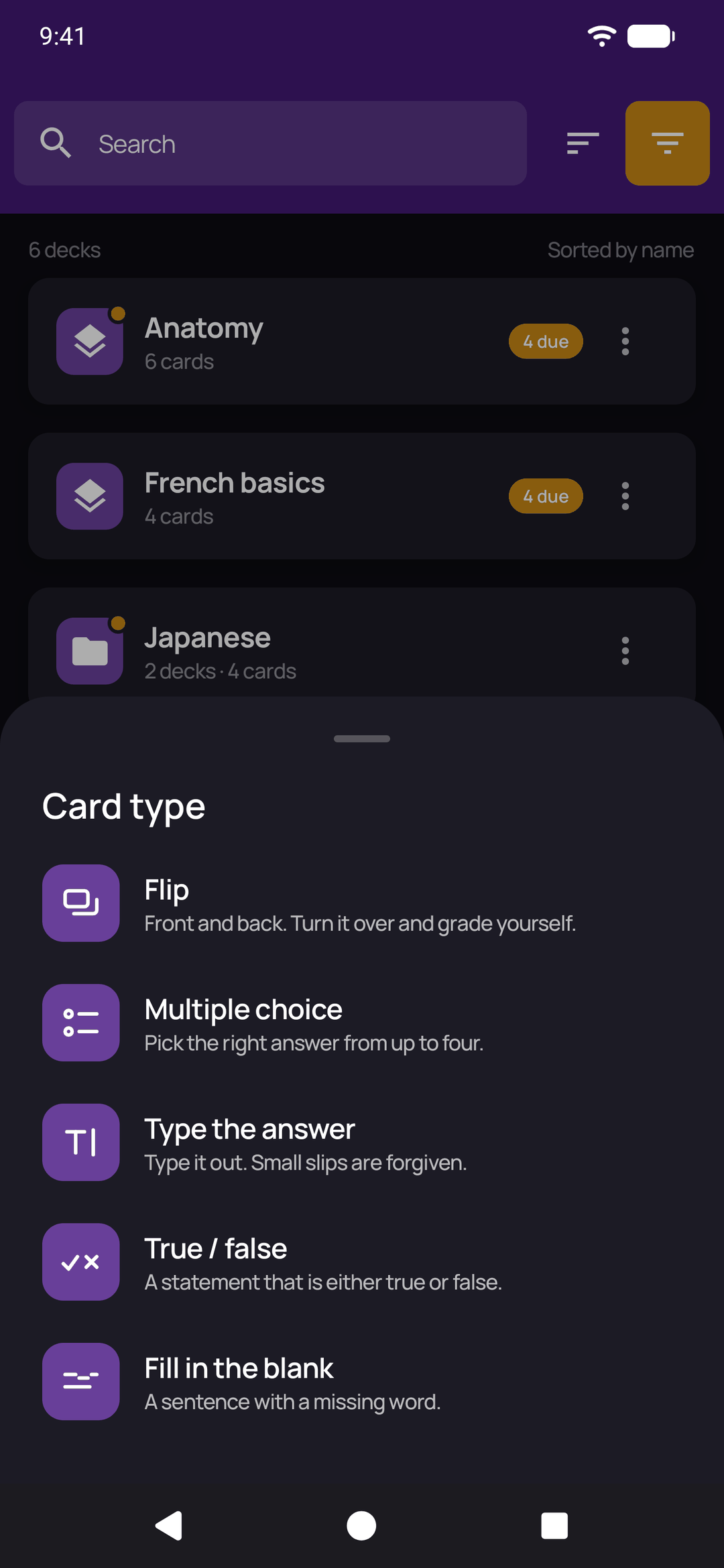
Every card has a type, and the type decides how you answer it. Pick one when you make the card, or switch it later in the editor.
- Flip: front and back. Turn it over and grade yourself.
- Multiple choice: pick the right answer from up to four. Leave the wrong answers empty and they are filled from other cards in the same deck.
- Type the answer: type it out. Capitals, accents and extra spaces are forgiven.
- True / false: a statement that is either true or false, answered in one tap.
- Fill in the blank: a sentence with one word or phrase hidden, which you type back in.
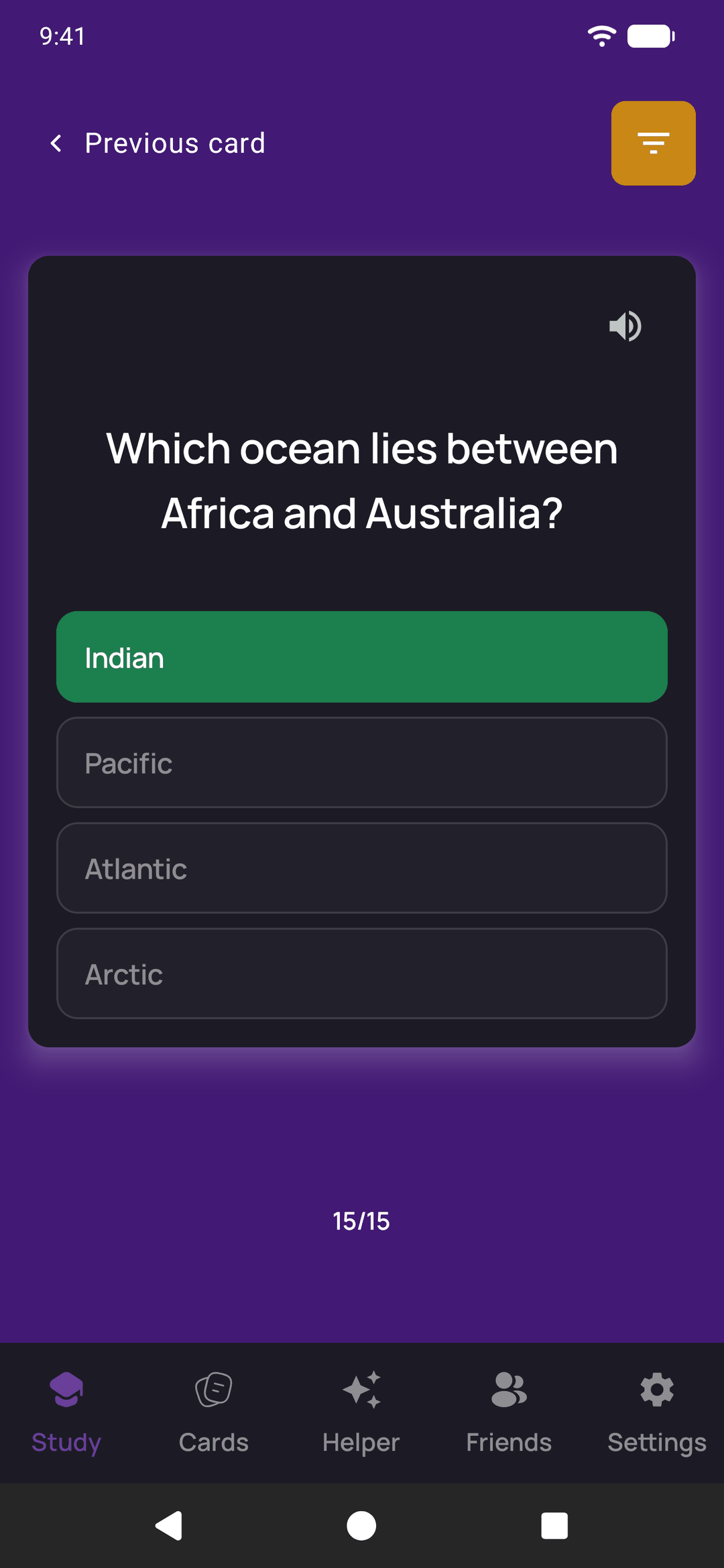
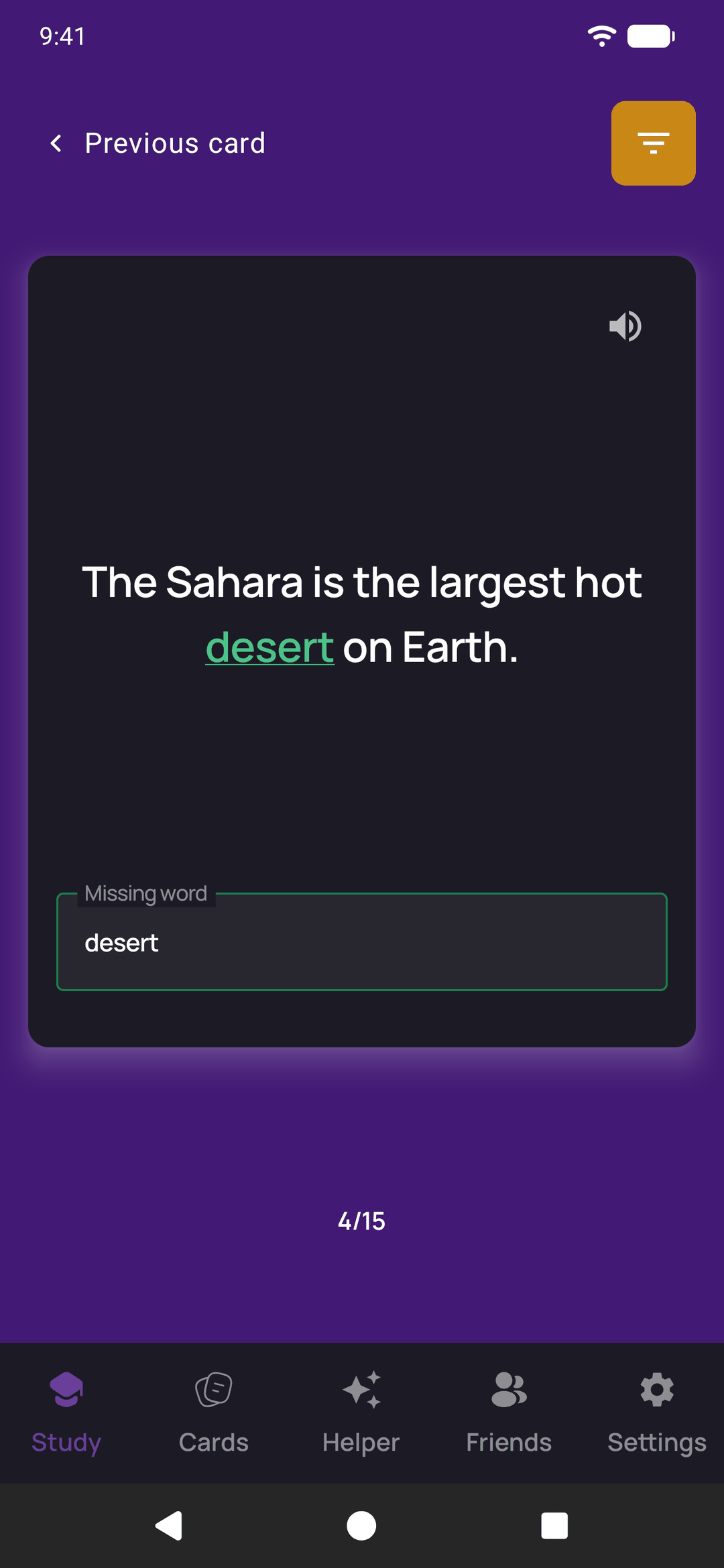
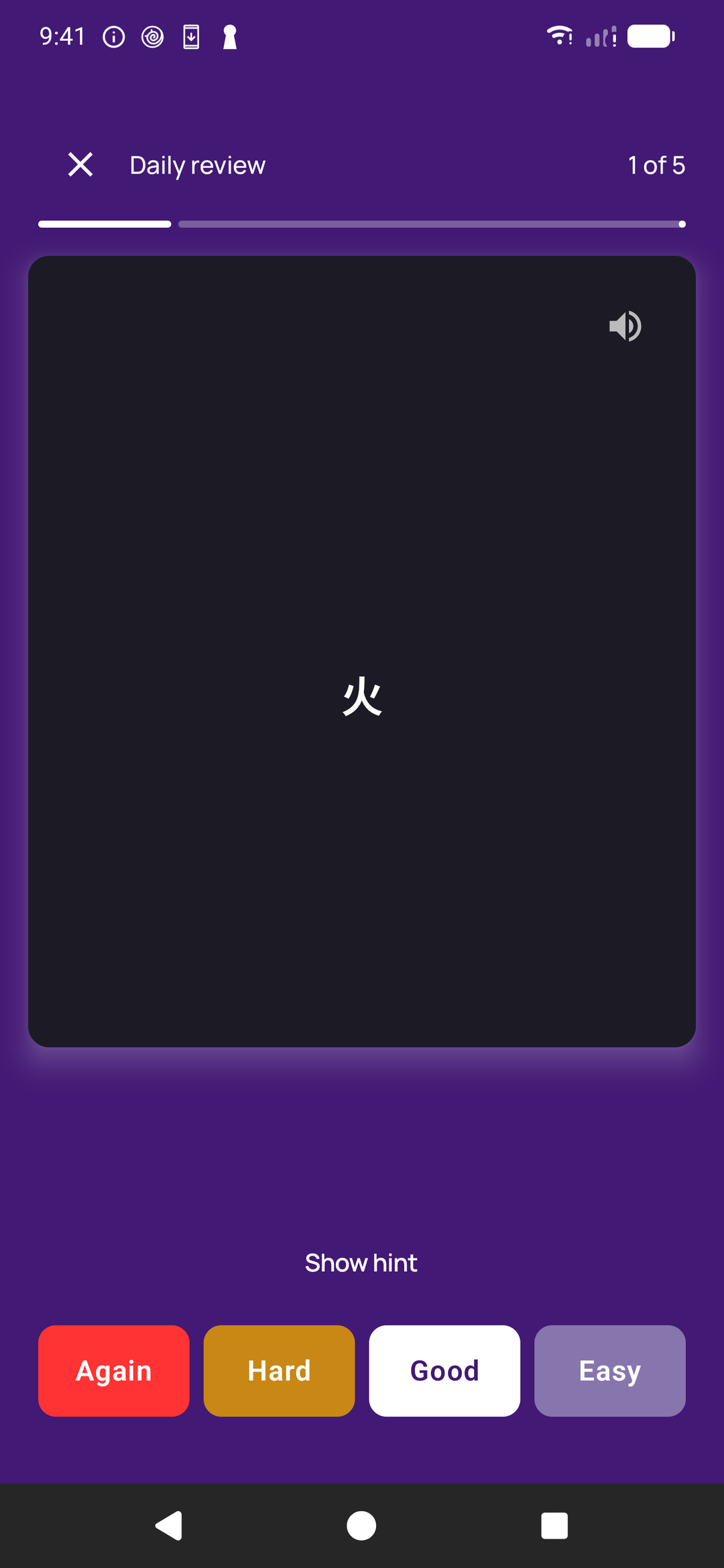
In the daily review, a card that marks itself counts a right answer as Good and a wrong one as Again. The Helper writes flip cards; any card can be switched to another type in the editor. All five types are free. More on each card type.
What it looks like
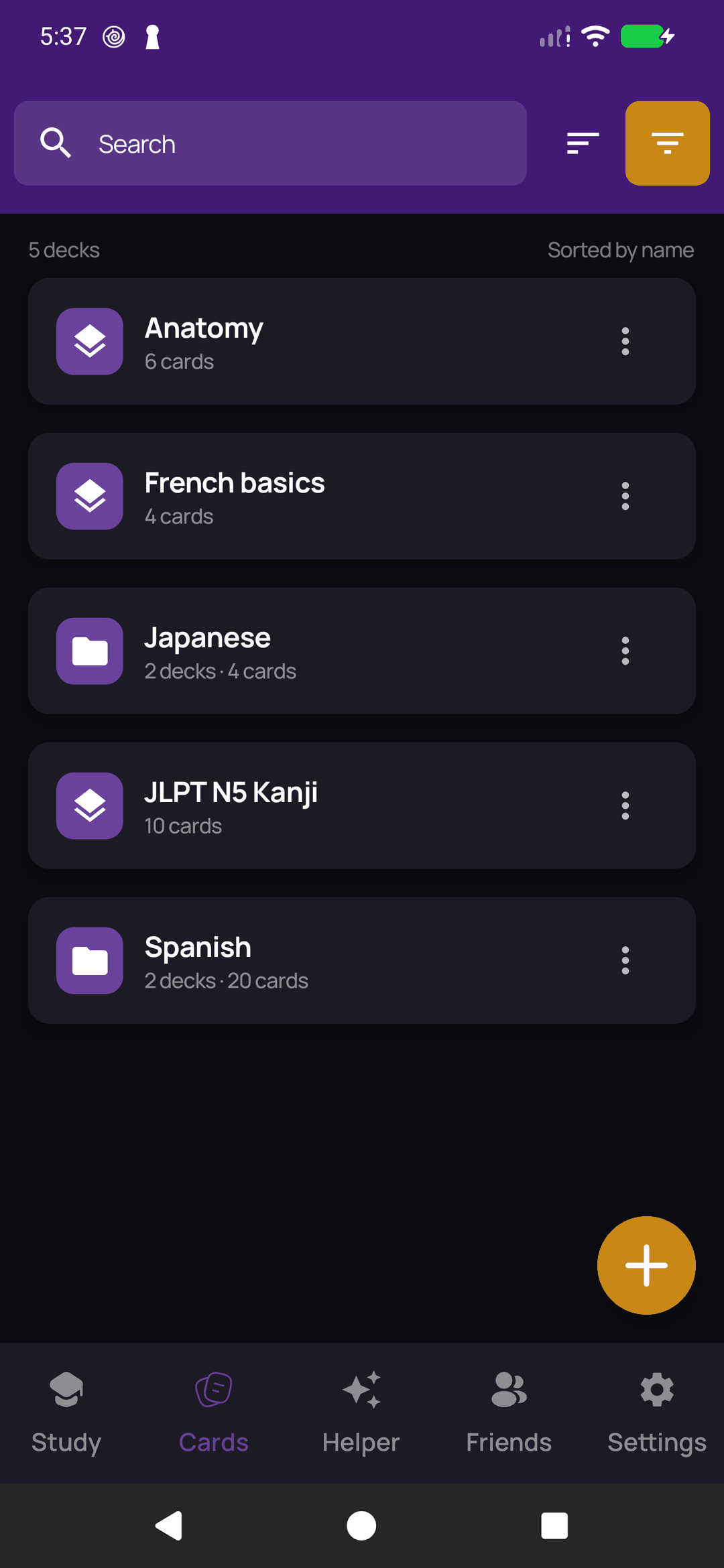
The Helper, a nested deck, and a review session.
And then it gets out of your way
Organise what you made, bring what you already have, and study a few minutes a day.
Nested decks
A deck can live inside another deck. Put "Irregular Verbs" and "Food" under "Spanish", and the parent shows the total for everything beneath it. Move a deck and its contents come along — with your progress kept, not reset.
A queue that ends
Spaced repetition schedules each card for about the moment you would forget it, so a deck of 500 is a few minutes a day. The daily queue holds what is due plus a handful of new cards, and then it stops.
Bring your Anki decks
Open an .apkg file and QuickMem reads it — decks, notes, note types and cloze cards, with the images following behind as they upload.
PDFs and notes in, cards out
Pick a PDF, a .txt or a .docx — or paste the text yourself — and the Helper turns it into cards. The file is read on your phone; only its text is sent.
Read aloud
Your phone's own voice reads a card out, with the voice, speed and pitch set the way you like — useful for pronunciation, and for studying with your eyes somewhere else.
Share with friends
Add a friend and share a deck with them, each keeping your own progress. Handy when a class is all revising the same material and only one person has to build it.
Also: images on cards from your camera or gallery, cards cached on your device so a review session survives a dead connection, decks synced between Android and iPhone, and the whole app in 14 languages — it follows whatever your phone is already set to.
What costs money, and what does not
One subscription, for one thing: the AI skills that run on our servers.
QuickMem
Free
no account needed to start
- Making and editing cards by hand, with images
- All five card types, from flip to fill in the blank
- Spaced repetition and the daily due queue
- Nested decks
- Anki
.apkgimport - Read aloud with your phone's voice
- Sharing decks with friends
- Find duplicates and Study plan, on your device
- Your first ten AI-written cards
QuickMem Plus
$4.99
per month, cancel any time
- Create flashcards from a description
- Import from text, a PDF, a .txt or a .docx
- Ask for changes before the cards save
- Explain a card, in plain language
- Split a card that tests three things
- Make a mnemonic and save it as the hint
- Tidy a card's wording
Billed by Google Play or the App Store, and cancelled there too. Everything in the free column stays free.
Made for whatever you need to remember
From a hundred new words to a thousand exam facts.
Spend the time studying, not typing
Describe a deck, review what the Helper wrote, and let the queue decide what you see tomorrow.