 QuickMem
Five ways to study a flashcard: flip, multiple choice, type the answer, true or false, and fill in the blank
Every card in QuickMem has a type, and the type decides how you answer it. The question is always on the front and the answer on the back; what changes is whether you turn the card over, pick, type or judge.
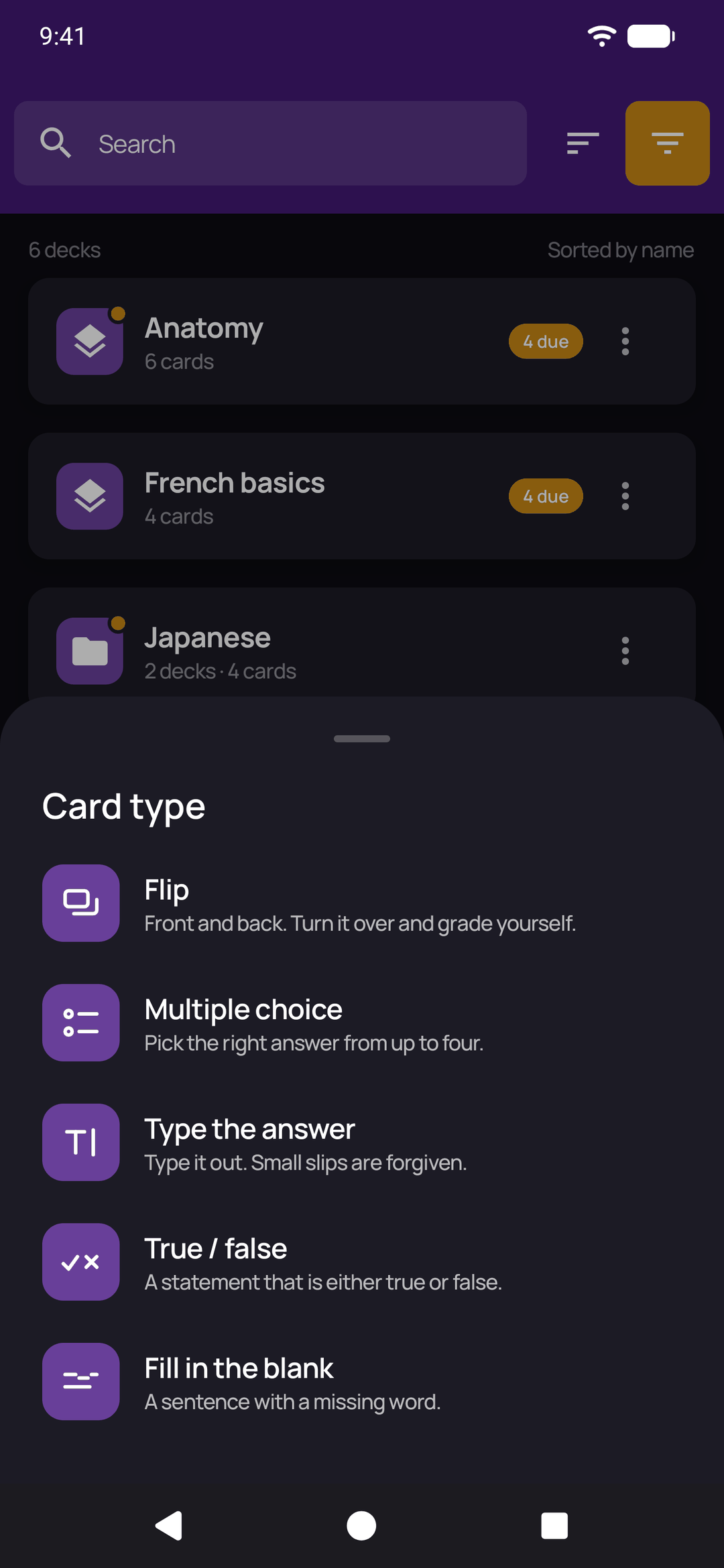
Choosing how a card is studied
When you make a card, the editor shows its type as a small pill. Tap it and a sheet lists the five types with a line on each; pick one and the editor changes to suit, with tabs for the question and the answers. Any card can be switched to another type later the same way, including cards you made before types existed, which start as flip cards.
Flip cards
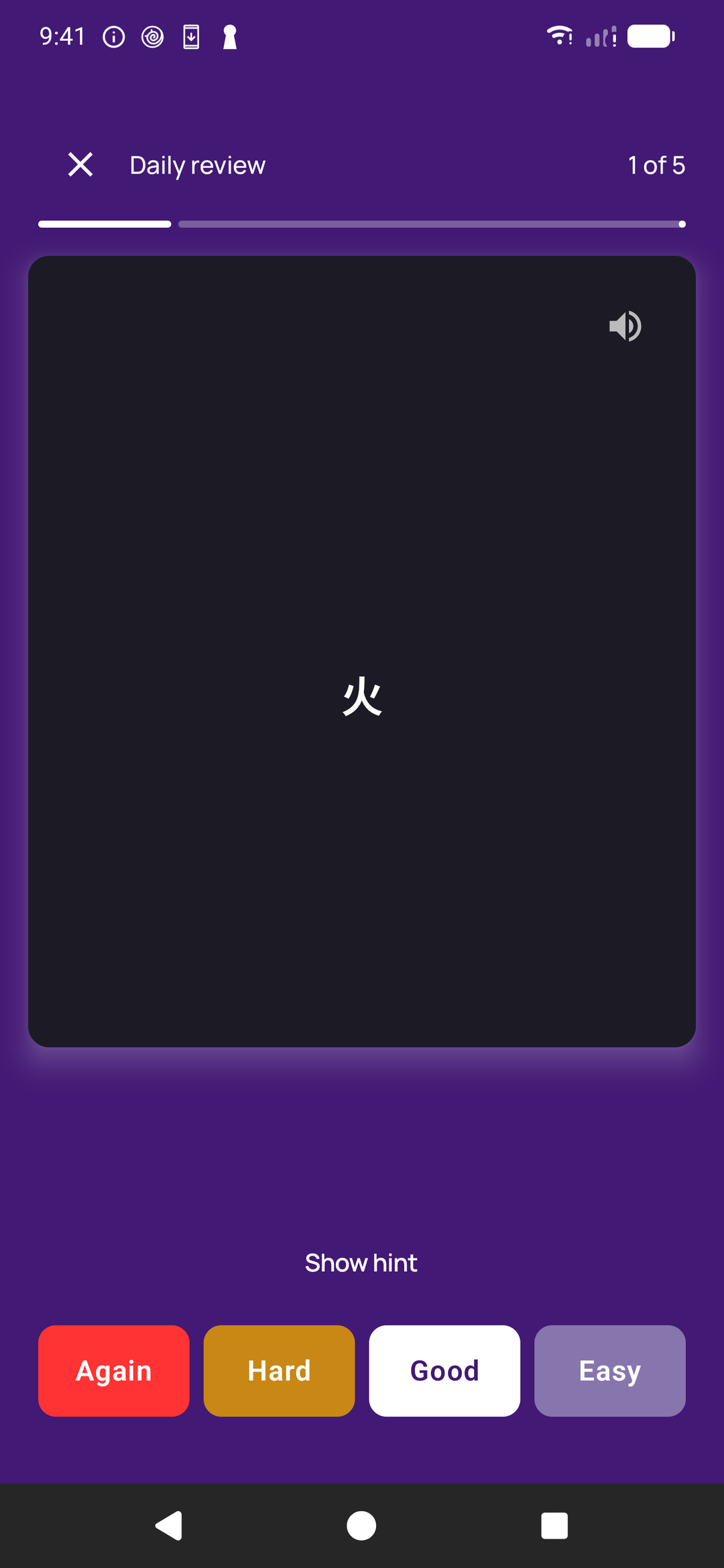
The classic: front and back. Read the question, answer it in your head, turn the card over and grade yourself. In the daily review the grades are Again, Hard, Good and Easy. Flip suits anything with a long or open answer, such as a definition, a process or a reason, where only you can judge whether you had it.
Multiple choice flashcards
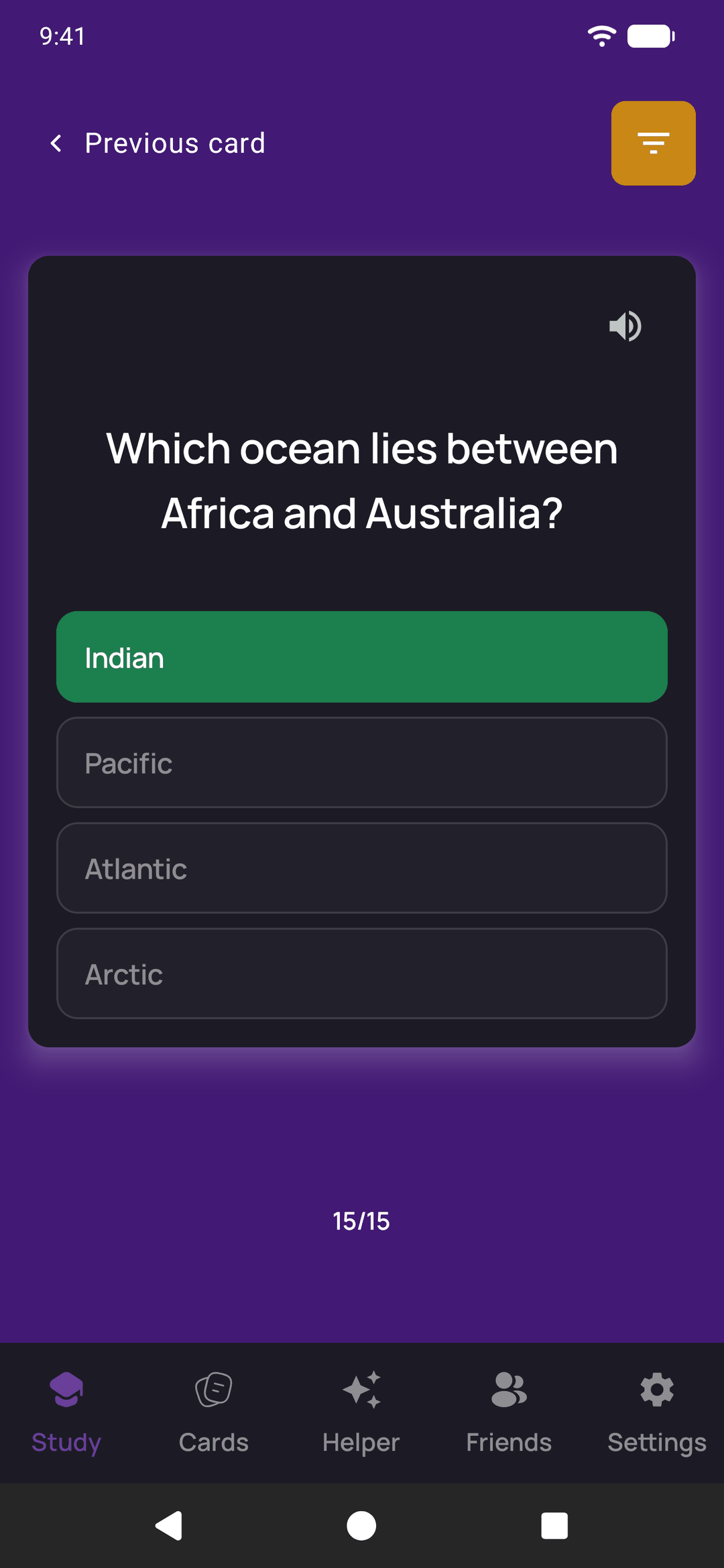
Pick the right answer from up to four. You write the question, the right answer and as many as three wrong ones. Leave a wrong answer empty and QuickMem fills it when you study from the answers on other cards in the same deck, so a deck of capitals is quizzed with other capitals and a deck brought across from somewhere else works as multiple choice without writing a single distractor.
Tap an answer and it is marked at once: the card shows right or wrong in its colour, and you swipe it away to move on.
Type the answer flashcards
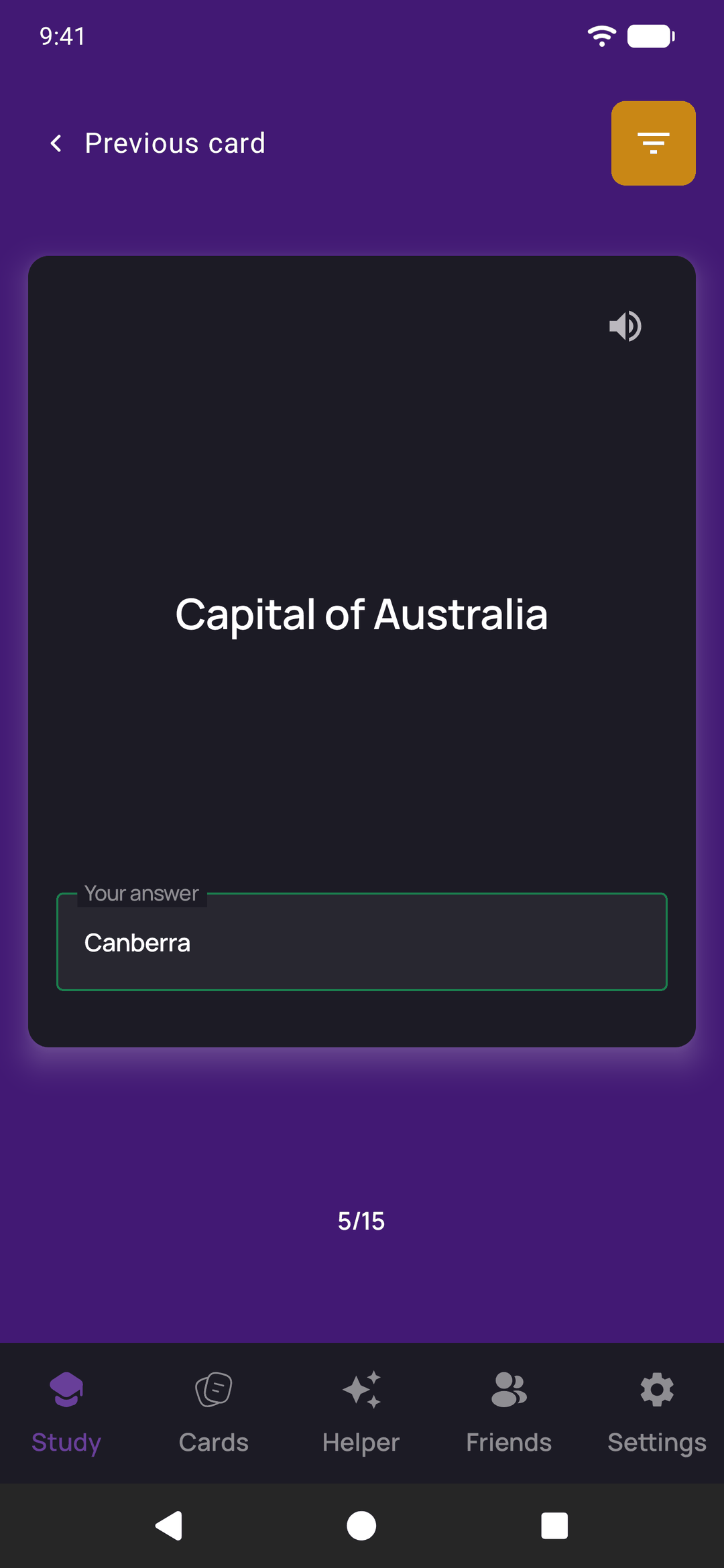
Type it out. Recognising an answer in a list is easier than producing it, so this is the type for things you have to recall and spell: vocabulary, capitals, names, terms. Capitals, accents and extra spaces are forgiven when the answer is checked, so "sao paulo" counts for "São Paulo" and a stray space at the end does not cost you the card.
True or false flashcards
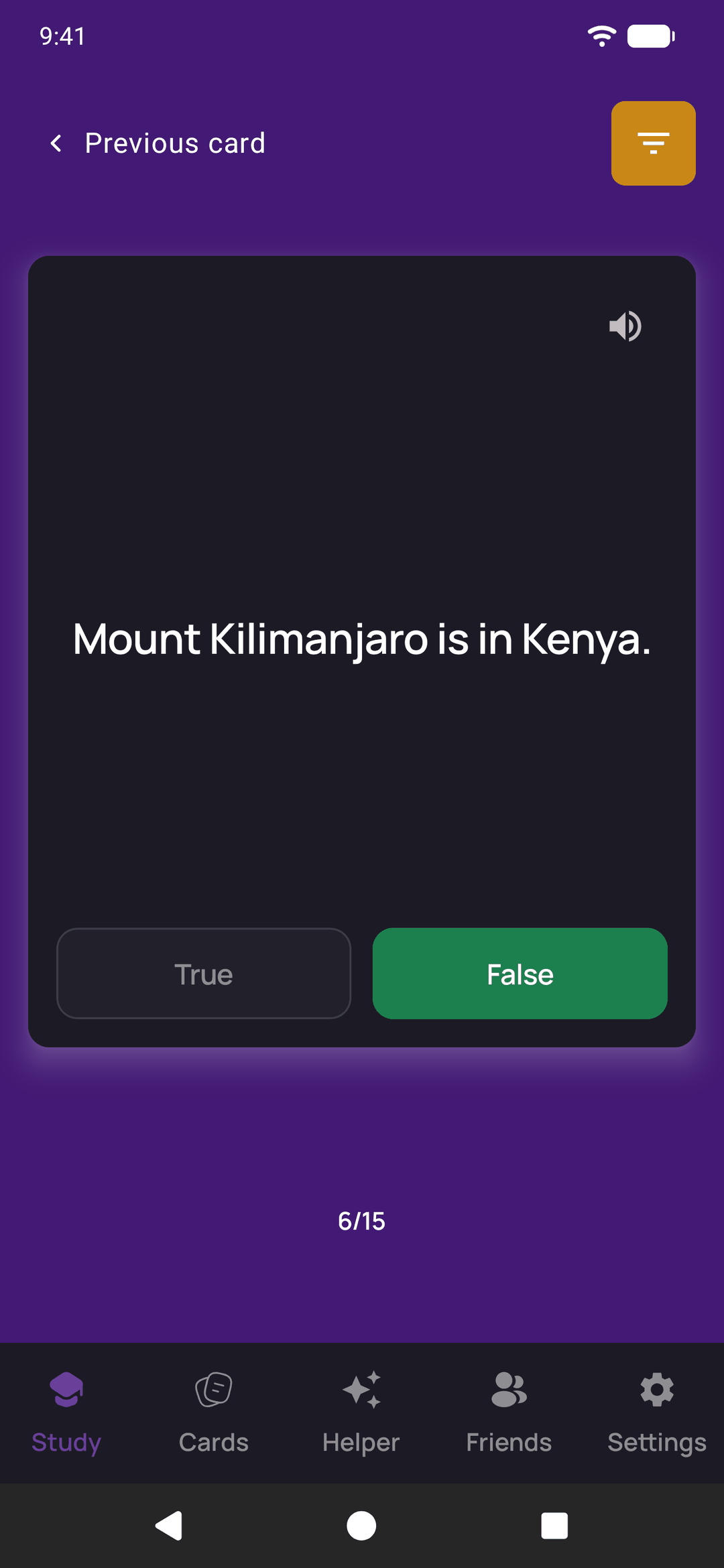
A statement that is either true or false, answered with one tap. These are quick checks that sit well between longer cards, and they are a good home for the common mistake in a subject: "Mount Kilimanjaro is in Kenya" is false, and it is exactly the sort of thing people half-remember the wrong way round.
Fill in the blank flashcards
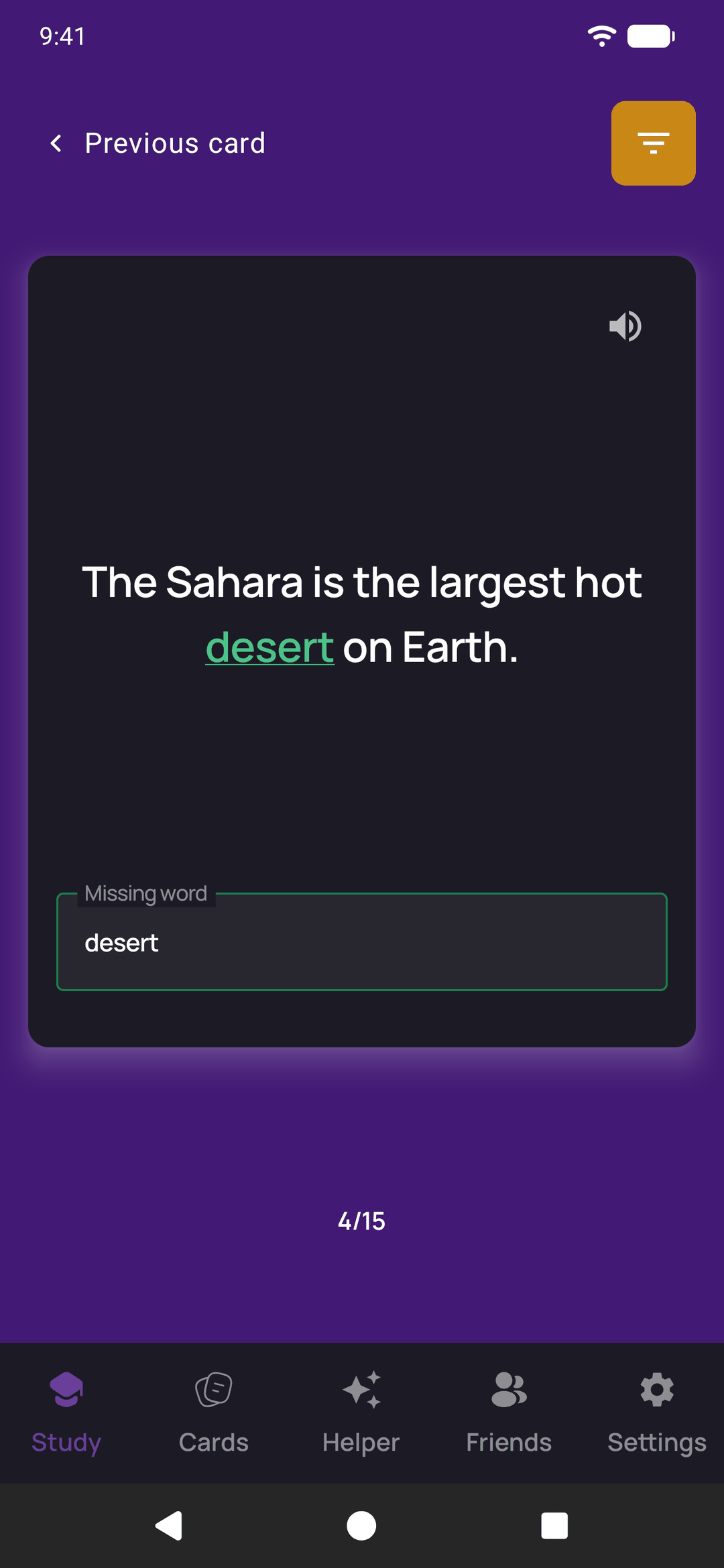
A sentence with one word or phrase hidden. Write the sentence, then type the word or phrase to hide, or tap the words in the sentence to choose them. When you study, the sentence is shown with a gap and you type the missing part back in. It keeps a fact in its context, which suits definitions, quotations, laws and grammar.
How the marked types fit spaced repetition
Multiple choice, type the answer, true or false and fill in the blank mark themselves, and the check is final. In the daily review a right answer counts as Good and a wrong one as Again, so these cards are scheduled by the same spaced-repetition queue as flip cards and come back just before you would forget them. You can mix all five types in one deck. There is more on the schedule in how spaced repetition picks today's cards.
Where the cards come from
Making cards by hand, in any of the five types, is free. The Helper writes flip cards, from a description, your notes or a PDF, and once they are saved any of them can be switched to another type in the editor. A deck shared with a friend or sent as a link keeps each card's type.